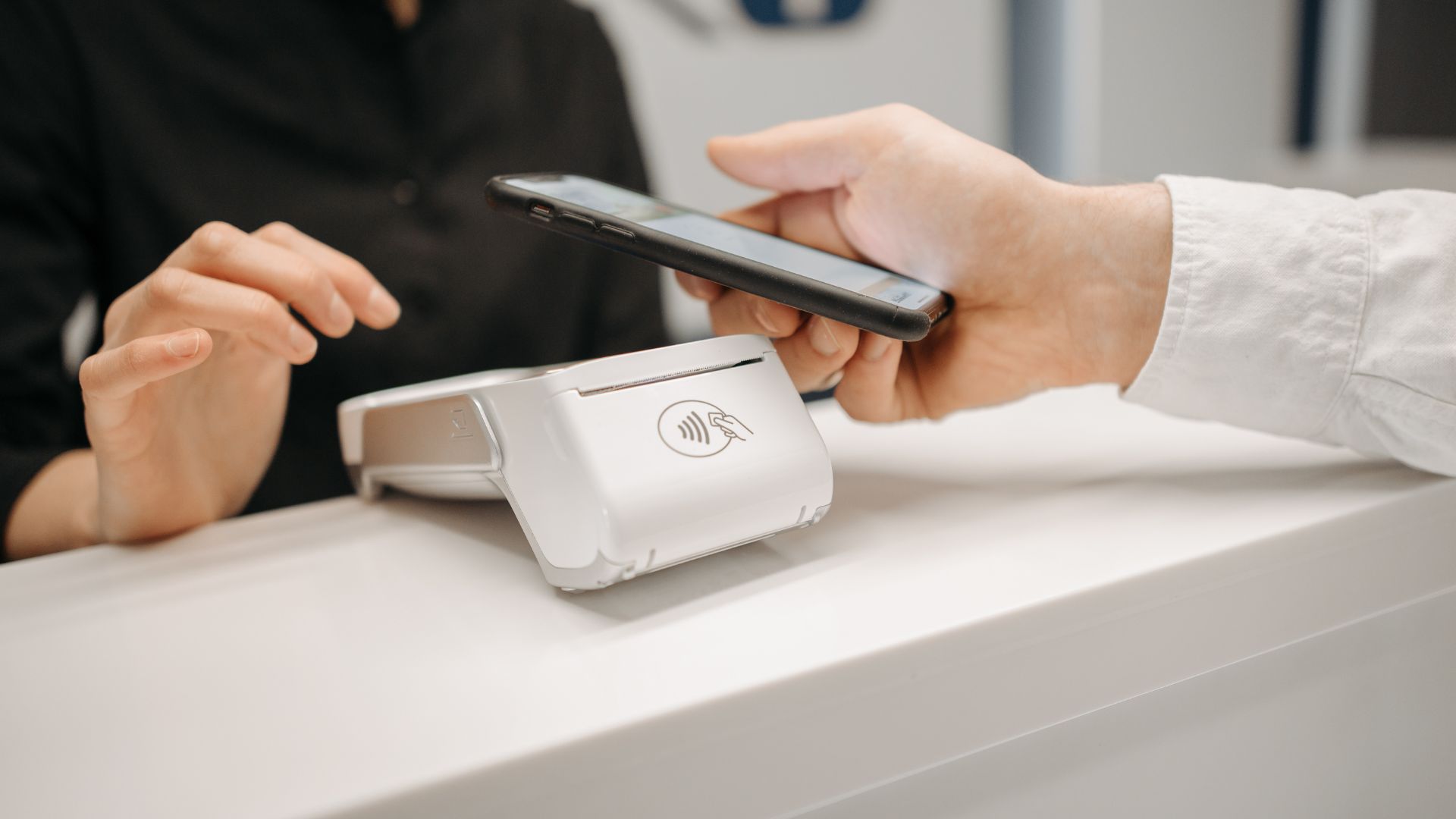
You can create temporary, tokenized card numbers from many Canadian banks and fintechs to protect your real card when shopping online. You’ll set limits, expiries and CVVs for single‑use, multi‑use or subscription payments, and lock cards to merchants or amounts. Some merchants or recurring charges may need special setup, so check compatibility and monitor transactions. Use virtual cards for subscriptions, marketplaces and travel; keep going to learn setup steps, limits and common fixes.
What a Virtual Credit Card Is and How It Protects Your Real Card
A virtual credit card is a temporary, digital card number you use in place of your real card for online or phone purchases, and it keeps your actual account details hidden from merchants and fraudsters.
You get a unique number, expiry, and CVV that you can set to expire after one use, a day, or a specific vendor. That limits exposure if a merchant is breached and delivers clear privacy benefits by preventing your main card from being stored or shared.
You also cut fraud risk because compromised virtual numbers are useless afterward. For recurring payments you can issue a controlled virtual card or cancel it without touching your primary account.
Quick Start: Create and Use a Virtual Card in Minutes
When you’re ready to start, set up a virtual card in minutes by using your bank or card issuer’s website or mobile app—look for “virtual card,” “temporary card,” or “card controls.”
Follow the prompts to choose a spending limit and expiry, and the app will generate a number, CVV, and expiration you can copy for online or phone purchases.
Once you have the details, paste them at checkout or save them in your browser’s autofill.
Decide whether to create single-use or reusable virtual cards based on the purchase.
Monitor transactions in the app to spot anything unusual.
Take advantage of virtual card benefits like reduced fraud risk and tighter spending control; combine them with built-in security features such as tokenization and instant card blocking for fast protection.
The Budgeting Hack Hiding in Plain Sight
Sticking to a budget is easier when the money simply isn’t there to overspend. A money-savvy friend told us she treats her virtual debit card alternative for everyday budgeting like an envelope—load a fixed amount, and when it’s gone, it’s gone. She pointed us to Vizocard, and it’s quietly become one of our favorite budgeting tools. Instead of relying on willpower against an open credit card, we set the limit upfront with a prepaid card and let it enforce the discipline for us. Old-school envelope budgeting, finally digital.
How Virtual Cards Work in Canada: Limits, Tokens, Merchant Rules
When you use a virtual card in Canada, you’ll hit set limits and caps for single transactions, daily totals, or merchant categories.
Providers use tokenization to replace your real card number with a secure token that merchants can’t reuse, and that token often carries its own rules.
You should also watch merchant restrictions—some places won’t accept virtual or tokenized payments, or they treat them differently for refunds and recurring charges.
Limits And Caps
Because virtual cards rely on configurable tokens and issuer rules, you’ll see several layers of limits — per-transaction caps, daily or monthly spending limits, and merchant-specific restrictions — that together control how and where a card can be used.
You can set single-use or merchant-locked cards to match your spending habits and reduce exposure on recurring services. Issuers often enforce default caps based on account type, credit line, and fraud models, and you can request temporary increases for big purchases.
Security features like CVV rotation and expiration dates work alongside limits to block unauthorized reuse.
Always check both issuer and merchant rules before buying: a merchant may reject tokenized cards or impose its own minimums, so plan limits to avoid declined transactions.
Tokenization And Rules
Although the bank actually issues the underlying account, virtual cards use tokenization and rule-sets to control where and how your number works, replacing a real PAN with a unique token tied to specific merchant, amount, and expiry rules.
You get token security because the token stands in for your real card number, limiting exposure if a breach happens. Rule-sets enforce merchant IDs, single-use or recurring flags, and spend caps so cards fail outside intended contexts, preserving transaction privacy and preventing surprise charges.
Configure rules in your bank app, then monitor activity. Typical controls include:
- Merchant binding — token only works with a listed merchant.
- Amount limit — blocks charges above a set value.
- Expiry/use count — single-use or time-limited tokens.
Which Canadian Banks and Apps Offer Virtual Credit Cards (2026)
Now that you know how virtual cards work, let’s look at which Canadian banks, fintechs, and digital wallets actually issue them in 2026.
You’ll want to compare issuer coverage and any per-card or account limits, since offerings vary between big banks, challengers, and wallet providers.
I’ll highlight who supports virtual cards, typical limits, and where gaps still exist.
Major Canadian Banks
When you’re choosing a virtual credit card in Canada, major banks and fintech apps each offer different features, fees, and security options, so it pays to compare what’s available in 2026.
Major Canadian banks—like RBC, TD, Scotiabank, BMO and CIBC—now provide virtual card options tied to existing credit accounts or debit cards. You’ll find consistent bank offerings such as single-use numbers, spend controls, and integration with mobile apps.
Their security features include tokenization, biometric app access, and real-time transaction alerts.
Consider these quick points when comparing providers:
- Cost and limits: monthly fees, per-card fees, and transaction/max limits.
- Integration: how well virtual cards work with your banking app and wallets.
- Support and disputes: dispute policies and customer service responsiveness.
Fintechs And Wallets
If you prefer nimble, feature-rich options, several Canadian fintechs and digital wallets now let you create virtual credit cards instantly from your phone and manage them without visiting a branch.
You’ll find challengers like KOHO, Neo Financial, and STACK offering single-use and merchant-locked virtual numbers tied to prepaid or credit-like accounts. These apps emphasize fintech innovation: spend controls, real-time alerts, and easy card freezing.
Digital wallets such as Apple Pay and Google Wallet also support tokenized virtual cards issued by partner providers, letting you pay in apps and at terminals without exposing real numbers.
When choosing, check app security, tokenization standards, and integration with your existing wallets. That way, you can enjoy online shopping convenience while keeping control and reducing fraud risk.
Issuer Coverage And Limits
As of 2026, dozens of Canadian issuers and fintechs let you generate virtual credit cards, but availability and caps vary widely by bank, app, and card type.
You’ll find major banks, credit unions, and challenger apps offering different issuer benefits and security enhancements—some provide per-card limits, single-use numbers, or merchant controls.
Know the common patterns:
- Big banks: broad coverage, higher daily/monthly caps, and integrated issuer benefits like purchase protection.
- Challenger fintechs: flexible cards, tight spend controls, and rapid issuance; limits may be lower per card but easier to refresh.
- Wallets & specialty apps: convenience and advanced security enhancements; often impose per-transaction or reload limits.
Check each provider’s terms so you pick limits that match your spending habits.
Create and Use a Virtual Card: Step‑By‑Step Setup
Although the exact steps vary by bank or card provider, creating and using a virtual card is straightforward: open your bank or card app, navigate to the virtual card or card controls section, and choose “create” or “generate.”
You’ll usually name the card, set a spending limit and expiration, then confirm with biometrics or a passcode. The app instantly displays a virtual card number, expiry and CVV for secure transactions and online shopping.
Copy details into the merchant checkout or use the app’s autofill or browser extension. After payment, track charges in the app and revoke or delete the virtual card if you spot unauthorized activity or no longer need it.
Save receipts and monitor statements for any discrepancies.
Choosing a Virtual Card: Single‑Use, Multi‑Use, or Subscription Cards
Anyone shopping online should pick the virtual card type that matches how you pay: single‑use cards work best for one-off purchases, multi‑use cards suit repeat vendors, and subscription cards keep recurring charges organized and controllable.
You’ll choose based on convenience, protection, and how often you pay.
- Single‑use: Embrace single use advantages — create a card per purchase to block stolen details and limit exposure; it’s ideal when you don’t trust a merchant.
- Multi‑use: Pick multi use flexibility for trusted shops; reuse a single virtual number, track spending, and still benefit from security features like dynamic numbers or merchant locking.
- Subscription: Opt for subscription benefits to manage recurring billing, pause or cancel cards quickly, and isolate ongoing services from your main account.
Virtual Card Fees, Limits, Compatibility, and Important Checks
When you pick a virtual card, check fees, limits, and compatibility up front so you won’t hit surprises at checkout or on your statement. Review setup fees, per‑card or monthly charges, and foreign transaction or cash‑advance fees; some issuers bundle virtual card security with premium plans.
Confirm single‑use vs. multi‑use limits, per‑transaction caps, daily and monthly ceilings, and expiry rules so purchases won’t fail.
Ensure the card works with merchants, wallets (Apple/Google Pay), and recurring services you use. Look for real‑time transaction monitoring and alerts to spot suspicious activity immediately.
Also verify dispute, refund, and merchant‑blocking policies, plus how virtual card numbers appear on statements to avoid merchant confusion during reconciliation.
Common Problems and Fixes: Declines, Recurring Payments, Refunds
If you run into declined transactions, recurring‑payment failures, or trouble getting refunds, you’re usually dealing with a small set of predictable issues—expired or single‑use numbers, merchant incompatibility, or mismatched billing details—and most can be fixed quickly.
Check the card settings first: single‑use numbers cause Declined Transactions on retries, and expiry or low limits block charges.
For Subscription Management, use a reusable virtual number or update billing info with the merchant.
Follow the Refund Process steps below before contacting support:
- Verify merchant refund policy and provide transaction ID and virtual card details.
- Retry payment with a reusable or updated virtual card; confirm billing address matches.
- If you suspect fraud, lock the virtual card and file a Fraud Prevention claim with your issuer.
Best Uses and Alternatives: Subscriptions, Marketplaces, Travel, and When Not to Use One
Virtual credit cards work best for a handful of recurring subscriptions, online marketplaces, and travel bookings where you want extra control over leaks, renewals, or vendor access.
Use them for subscription management: generate single-use or time-limited numbers to prevent surprise charges and stop trials automatically.
For marketplace safety, assign unique cards per seller so breaches don’t expose your main account.
For travel budgeting, set limits for individual trips, rentals, or tours to avoid overspending and simplify refunds.
Don’t rely on virtual cards for in-person purchases that require chip-and-PIN, for cards that vendors must keep on file without updates, or with services that block virtual numbers.
Always pair virtual cards with strong online security practices and monitor statements for unexpected activity.
Frequently Asked Questions
Can Virtual Cards Earn or Affect Credit Scores in Canada?
Yes — virtual cards can affect your credit score if they’re tied to your credit account; your credit utilization matters, and they can boost fraud protection, but responsible use and on-time payments still determine score impact.
Can Virtual Cards Be Used for Cash Advances or ATM Withdrawals?
Like a sealed envelope, virtual cards usually can’t give cash advances or ATM withdrawals. You won’t get cash access; issuers impose transaction limits and block ATM/advance features, though exceptions depend on your card provider’s policies.
Do Virtual Cards Work With Mobile Wallets Like Apple Pay and Google Pay?
Yes, many virtual cards work with Apple Pay and Google Pay; you’ll enjoy added security features and tokenization, but they often have transaction limits or merchant restrictions, so you should check your issuer’s terms before adding the card.
How Do Virtual Cards Handle Cross-Border Currency Conversion Fees?
They usually apply the issuer’s currency conversion and fee structures, so you’ll pay either a percentage markup or flat fee on foreign transactions; check your card’s terms to see rates, dynamic conversion options, or waivers.
Can Virtual Cards Be Shared Securely With Family or Employees?
Yes — you can securely share virtual cards by creating controlled, temporary tokens or limited-use numbers for family access, setting spending limits and merchant restrictions, and revoking access instantly if misuse occurs or needs change.
Final words
By now you’ve seen how virtual cards quietly shield your real account, letting you shop with less worry and more control. They’re a gentle safeguard for subscriptions, marketplaces, and travel, and a tidy fix for one‑time buys. Use single‑use numbers for strangers, multi‑use for trusted services, and check limits and refund rules. When they don’t fit, lean on traditional cards or prepaid options — and rest easier knowing you have a softer, smarter layer of protection.
Leave a Reply